

WooCommerce
Learn how to enable Affirm with WooCommerce. Offer flexible pay-over-time options, streamlined order management, and on-site messaging designed to increase awareness and conversion.
Country Availability
 USA
USA
 Canada
 UK
UK
Overview
Affirm’s integration with WooCommerce provides access to Affirm's key features, including:
- Pay-over-time financing options
- Promotional messaging
- Prequalification
- Order management
- Checkout integration
Merchants can integrate Affirm quickly using the official WooCommerce extension. The setup is designed to require minimal development effort while maximizing conversion impact.
Integration method
- WooCommerce Affirm Extension (Plugin-based integration)
Who to work with
- If you are an existing Affirm merchant, contact your Affirm Account Manager for activation support.
- If you are new to Affirm, begin onboarding through Affirm before installing the WooCommerce extension.
The customer experience
Customers can choose Affirm during checkout and complete their purchase using flexible financing options.
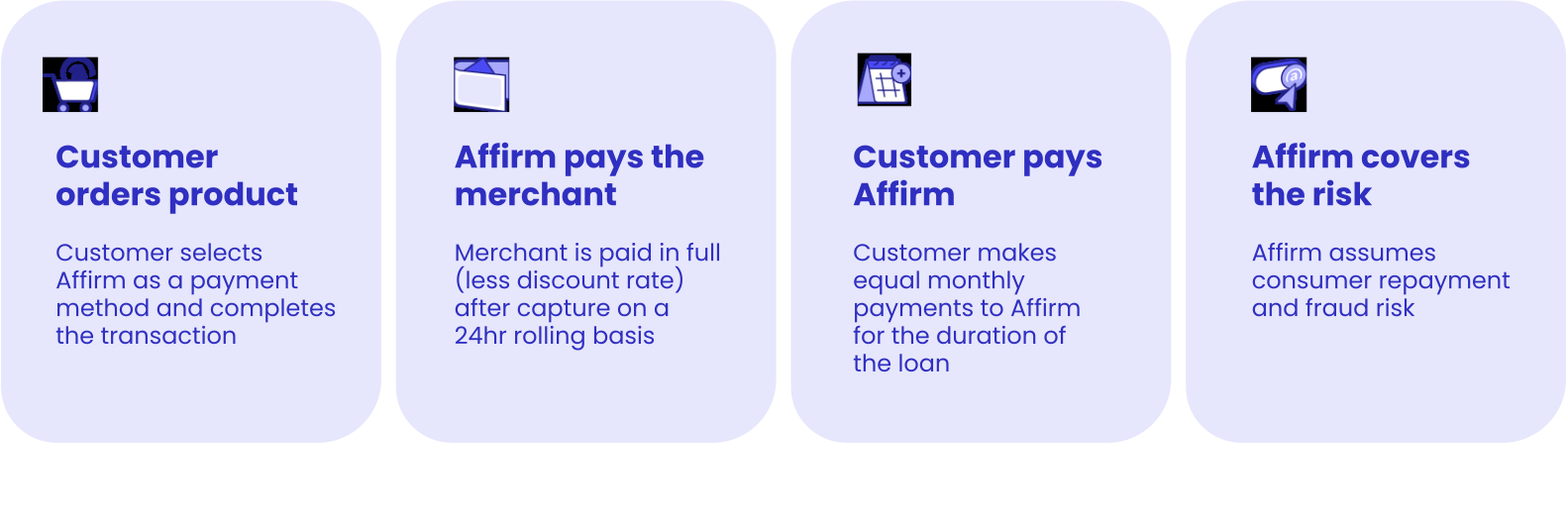
Customer flow
- Customer adds products to cart.
- Customer selects Affirm as their payment method at checkout.
- Customer logs into or creates an Affirm account using their phone number and SMS verification.
- Customer selects a pay-over-time plan.
- Customer completes the purchase.
- Affirm confirms the transaction and displays order confirmation.
The merchant experience
WooCommerce offers a streamlined integration process.
Integration steps
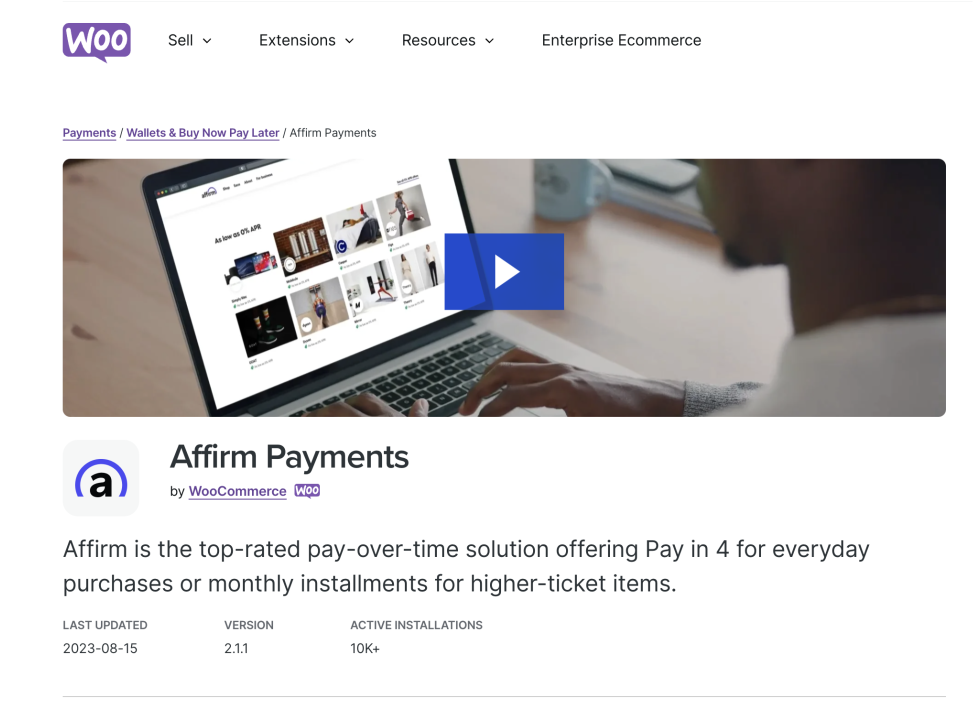
1. Install the Affirm WooCommerce Extension
Download the Affirm Payments extension from the WooCommerce marketplace.
2. Enable Affirm in WooCommerce settings
Configure API credentials and activate Affirm as a payment method.
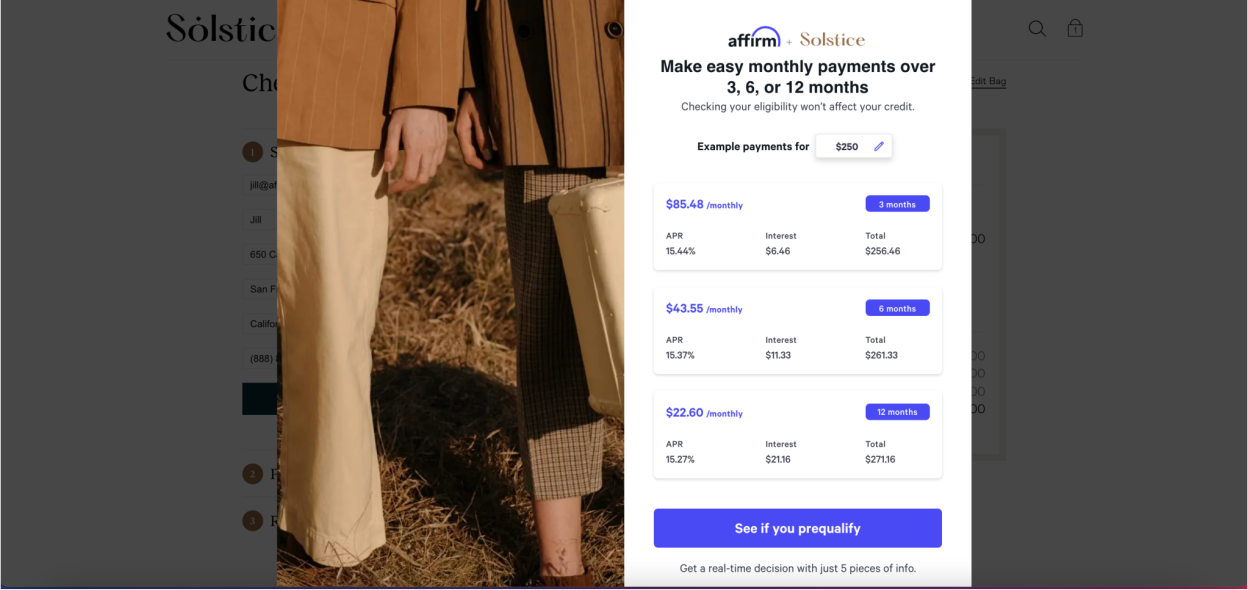
3. Promotional messaging appears automatically
The extension enables on-site messaging and checkout availability.
4. Checkout selection
Customer selects Affirm during checkout.
5. Authorization & confirmation
Affirm authorizes the transaction and confirms the order.
6. Capture & funding
After capture, Affirm pays the merchant (less discount rate) on a rolling basis.
Payment and risk ownership
- Who Affirm pays: Affirm pays the merchant directly.
- Who owns repayment & fraud risk: Affirm assumes responsibility for consumer repayment and fraud risk.
WooCommerce with Stripe Extension
Affirm is also available through WooPayments and the Stripe Extension for WooCommerce. Contact your payment provider for details.
Recommended topics
Updated 7 months ago
Other helpful resources
Check out out these additional helpful resources for managing your daily operations with Affirm.