
SFRA Cartridge Installation
Learn about SFRA Cartridge Installation.
Country Availability
 USA
USA
 Canada
Overview
This page describes changes that should be made to the site for SFRA storefronts. All of the modifications are stored in the mirrored cartridge structure in int_affirm_sfra/_cartridge for default Storefront Reference Architecture (SFRA). You can find the exact code there.
There are three types of custom modifications to your core cartridge:
Templates (SFRA)
Step 1: cartridge/templates/default/common/htmlHead.isml
Include the Affirm header script tag after the Google Verification tag, or after any other relevant tags but before the htmlHead hook. The Affirm header script tag populates the configuration object and methods to be placed in the HTML head.
<isinclude template="affirm/affirmHeaderMF" />
Step 2: cartridge/templates/default/common/scripts.isml
Include vcn.js as static file at the bottom of the file.
<isif condition="${dw.system.Site.getCurrent().getCustomPreferenceValue('AffirmOnline')}">
   <script defer type="text/javascript" src="${URLUtils.staticURL('/js/vcn.js')}"></script>
</isif>
Step 3: cartridge/templates/default/components/modules.isml
Include the affirmModule template after the last line.
<isinclude template="util/affirmModule" />
Step 4: cartridge/templates/default/cart/cart.isml
Place promo message below where the cart total is displayed.
<isset name="Basket" value="${require('dw/order/BasketMgr').getCurrentBasket()}" scope="page" />
<isinclude template="util/affirmModule"/>
<isaffirmpromo context="cart" fpname="${require('int_affirm/cartridge/scripts/utils/affirmUtils').getFPNameByBasket(Basket)}" />
Step 5: cartridge/templates/default/product/
You must place a set of recurring snippets to display the Affirm promotional messaging on the various product-related pages. The list of templates that correspond to the pages include setDetails, productDetails, bundleDetails, quickView, and setQuickView in the product folder.
Place promotional messages in relevant locations where price is displayed.
setDetails.isml:
<isinclude template="util/affirmModule" />
<isaffirmpromo context="pdp" fpname="${require('*/cartridge/scripts/utils/affirmUtils').getFPNameForPDP(product)}" >
bundleDetails.isml:
<isinclude template="util/affirmModule" />
<isaffirmpromo context="pdp" fpname="${require('*/cartridge/scripts/utils/affirmUtils').getFPNameForPDP(product)}" >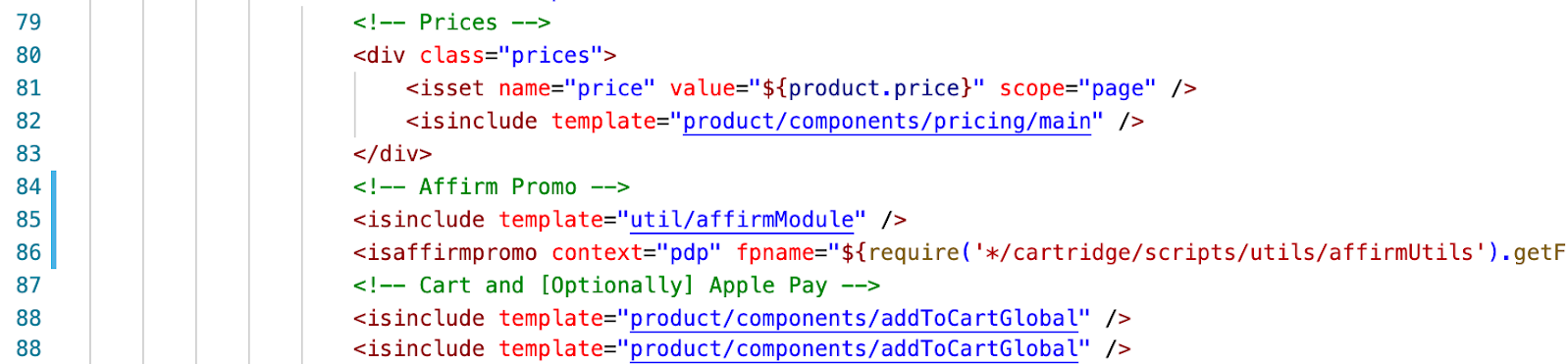
productDetails.isml:
<isinclude template="util/affirmModule" />
<isaffirmpromo context="pdp" fpname="${require('*/cartridge/scripts/utils/affirmUtils').getFPNameForPDP(product)}" >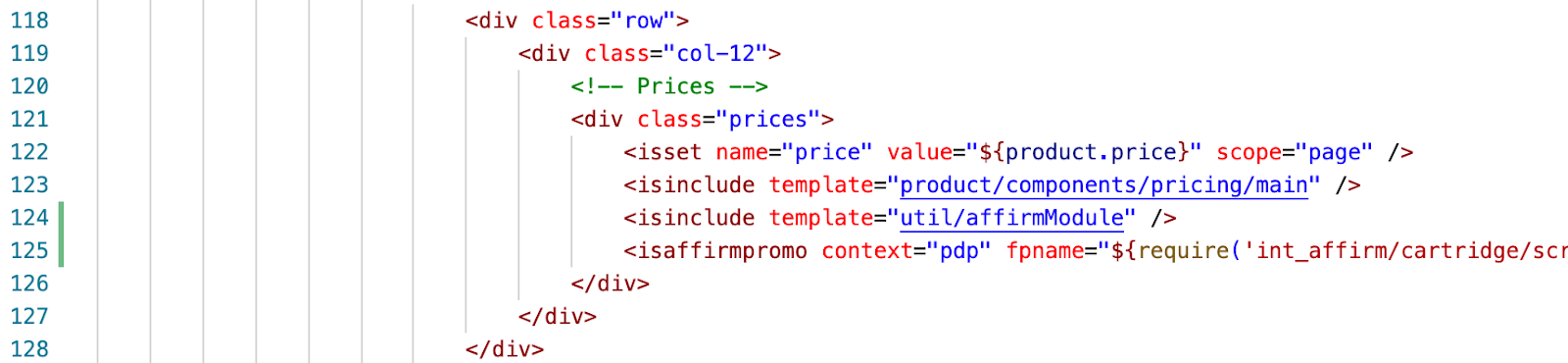
quickView.isml & setQuickView.isml
<isinclude template="util/affirmModule" />
<isaffirmpromo context="pdp" fpname="${require('*/cartridge/scripts/utils/affirmUtils').getFPNameForPDP(product)}" >
Step 6: product/productTile.isml
Copy and paste the following code where the Affirm promotional messaging should display on the product listing page:
<isinclude template="util/affirmModule"/>
<isaffirmpromo context="plp" fpname="${require('int_affirm/cartridge/scripts/utils/affirmUtils').getFPNameForPLP(product)}" price="${price}"/>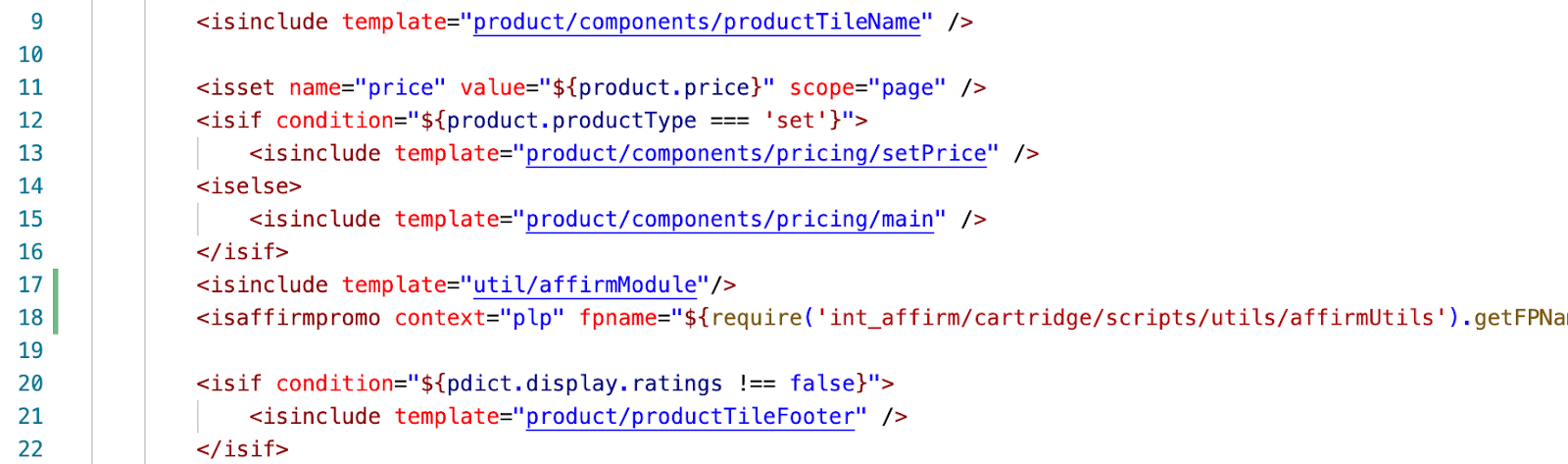
Step 7: cartridge/forms/default/billing.xml
In Storefront Reference Architecture where the credit card form is hardcoded into the templates, you must manually modify the following templates to enable the Affirm payment. Ensure the email field is included in the billing form.
<field formid="email" label="profile.email" type="string" mandatory="true" binding="email" max-length="254" missing-error="error.card.info.missing.email" />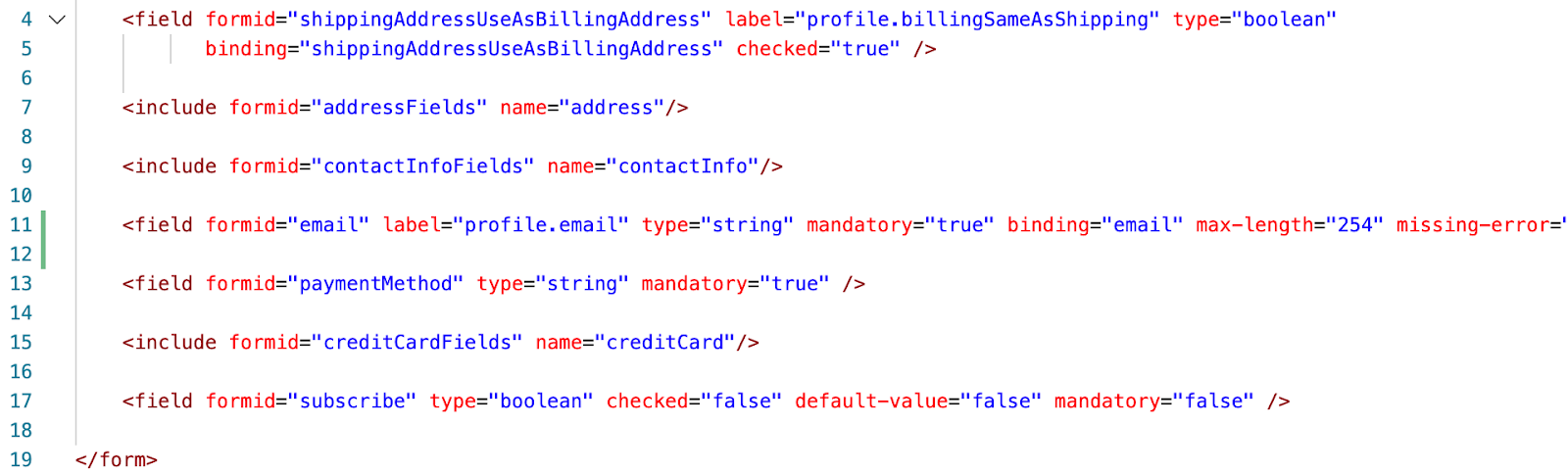
Important
- Ensure the corresponding email field is included in
default/checkout/billing/billing.isml.- Older versions of SFRA may include an email field in
forms/default/creditCard.xmlas well as in the templatecheckout/billing/creditCardForm.isml, in which case you must remove the redundant email field increditCard.xmlandcreditCardForm.isml.
Step 8: cartridge/templates/default/checkout
Edit the following templates to integrate the Affirm payment into the checkout flow:
cartridge/templates/default/checkout/billing/billingSummary.isml
Include a div tag with vcn data.
<isset name="CurrentBasket" value="${require('dw/order/BasketMgr').getCurrentBasket()}" scope="page" />
<isif condition="${CurrentBasket}">
   <isset name="basketCheck" value="${CurrentBasket.getAllProductLineItems().isEmpty()}" scope="page" />
   <isif condition="${!basketCheck}">
      <div
         data-vcndata='<isprint value="${affirm.basket.getCheckout(CurrentBasket, 1)}" encoding="htmlsinglequote" />'
         data-enabled='<isprint value="${affirm.data.getAffirmVCNStatus() == 'on'}" encoding="htmlsinglequote" />'
         data-affirmselected='<isprint value="${true}" encoding="on" />'
         data-errormessages='<isprint value="${affirm.data.getErrorMessages()}" encoding="htmlsinglequote" />'
         data-updateurl='<isprint value="${dw.web.URLUtils.https("Affirm-Update")}" encoding="htmlsinglequote" />'
         data-errorurl='<isprint value="${dw.web.URLUtils.https("Checkout-Begin")}" encoding="htmlsinglequote" />'
         data-csrfname='<isprint value="${dw.web.CSRFProtection.getTokenName()}" encoding="htmlsinglequote" />'
         data-csrftoken='<isprint value="${dw.web.CSRFProtection.generateToken()}" encoding="htmlsinglequote" />'
         id="vcn-data"></div>
   </isif>
</isif>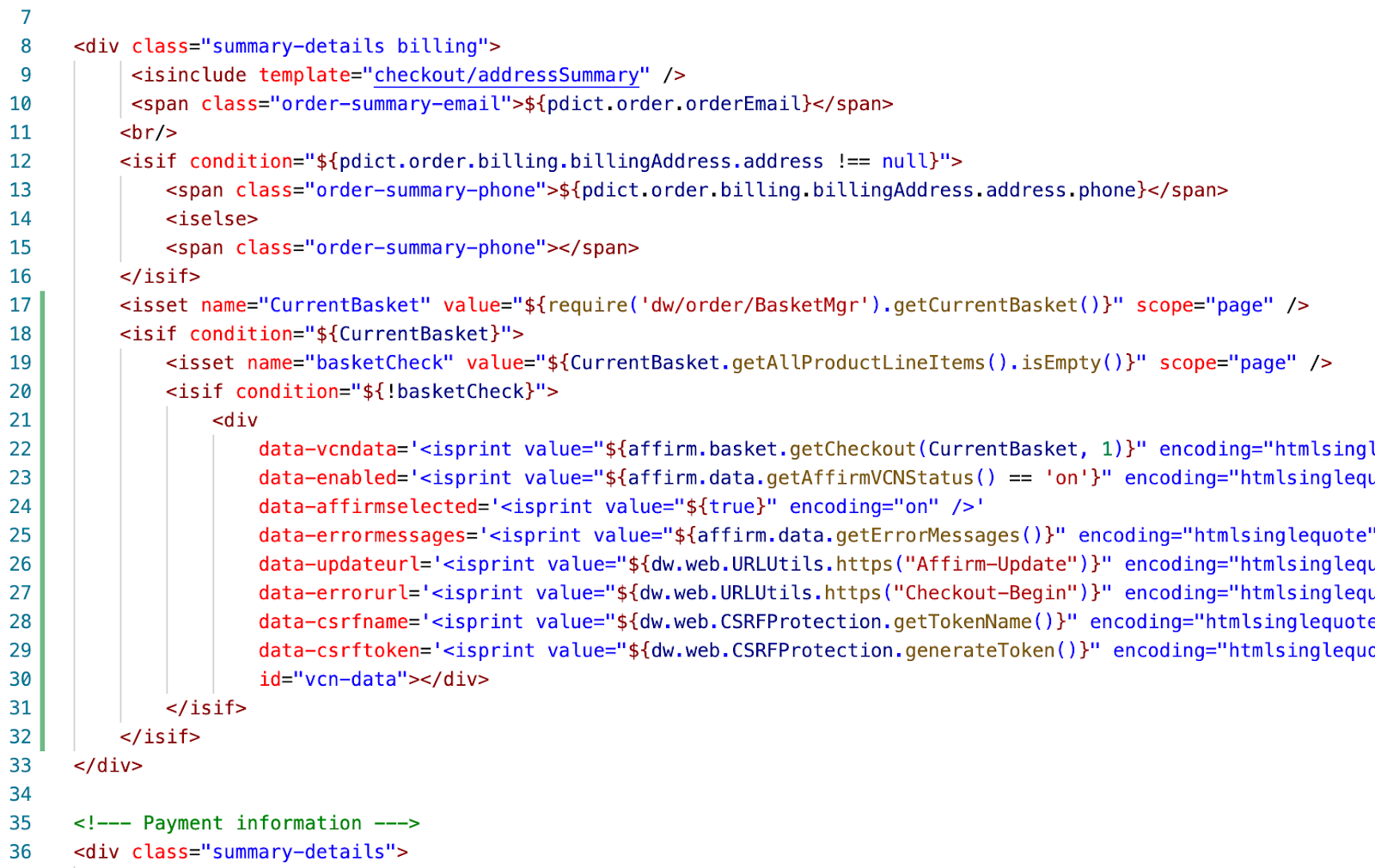
cartridge/templates/default/checkout/billing/paymentOptions.isml
Add a condition attribute within the payment-information div for switching payment methods whether Affirm is applicable.
data-payment-method-id="<isif condition="${require('int_affirm/cartridge/scripts/utils/affirmHelper').IsAffirmApplicable()}">Affirm<iselse>CREDIT_CARD</isif>"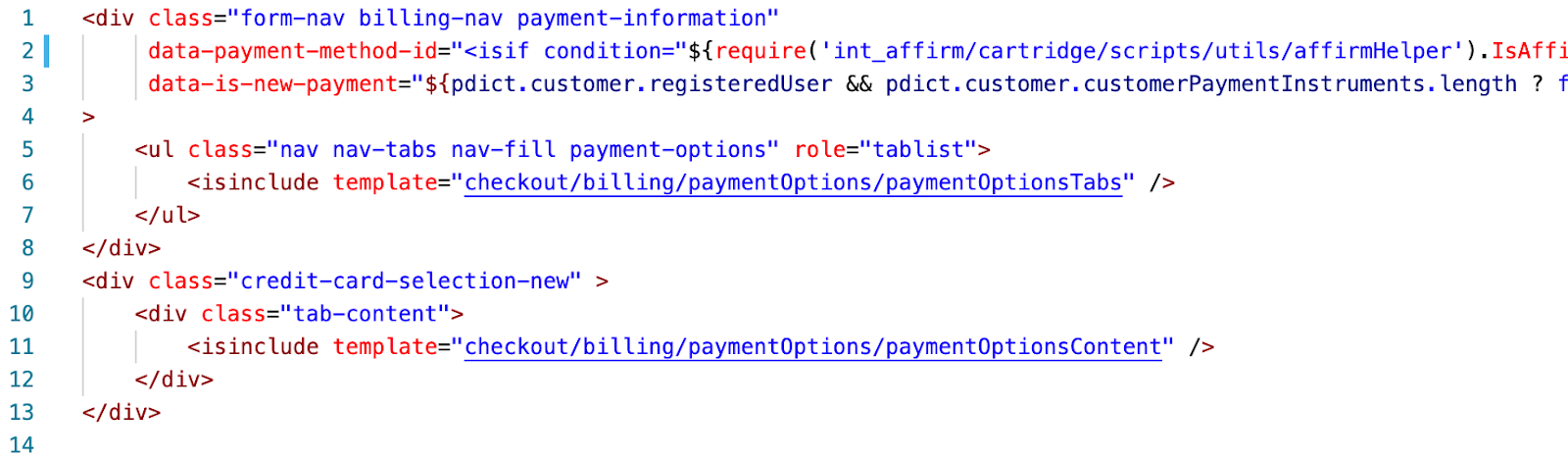
cartridge/templates/default/checkout/billing/paymentOptionsTabs.isml
Include the affirmpaymethodli template.
<isif condition="${paymentOption.ID === 'Affirm' && require('*/cartridge/scripts/utils/affirmHelper').IsAffirmApplicable()}">
<isinclude template="affirm/affirmpaymethodli" />
</isif>
cartridge/templates/default/checkout/billing/paymentOptionsContent.isml
Include the payment method input template within the payment options isloop.
<isif condition="${paymentOption.ID === 'Affirm' && require('*/cartridge/scripts/utils/affirmHelper').IsAffirmApplicable()}">
    <isinclude template="affirm/paymentMethodInputMF" />
</isif>
cartridge/templates/default/checkout/billing/paymentOptionsSummary.isml
Include Affirm payment option in the summary.
<isif condition="${payment.paymentMethod === 'Affirm'}">
  ${Resource.msg('payment.name', 'affirm', null)}
</isif>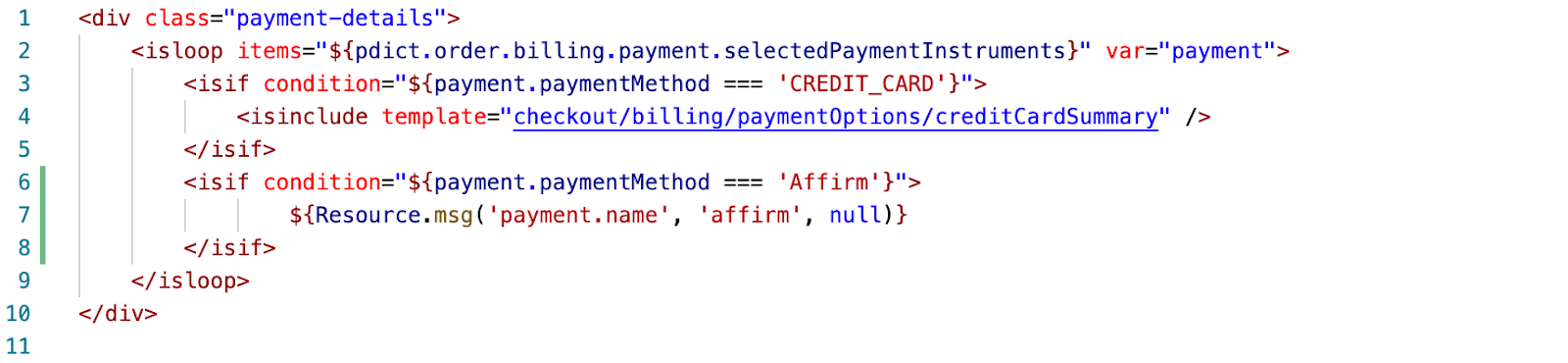
cartridge/templates/default/checkout/confirmation/confirmation.isml
Place the Affirm tracking script towards the end of the order confirmation page before the closing <isdecoratre> tag.
<isinclude url="${URLUtils.http('Affirm-Tracking', 'orderId', pdict.order.orderNumber)}" >
Controllers (SFRA)
CheckoutServices ControllersCheckout endpoints in
CheckoutServices.jswere replaced to handle Affirm and Credit card payments, which can be found inint_affirm_sfra/cartridge/controllers/.
No custom code is required in controllers apart from the CheckoutServices.js which is included in int_affirm_sfra.
Client-side JavaScript (SFRA)
Running build scriptsClient-side JavaScript and CSS will need to be compiled before deployment. Update package.json at the root to ensure the value of paths property is referencing the base cartridge. In addition, ensure the SGMF Scripts package is installed and run the following command after making changes:
sgmf-scripts --compile jsFor details, see the build commands.
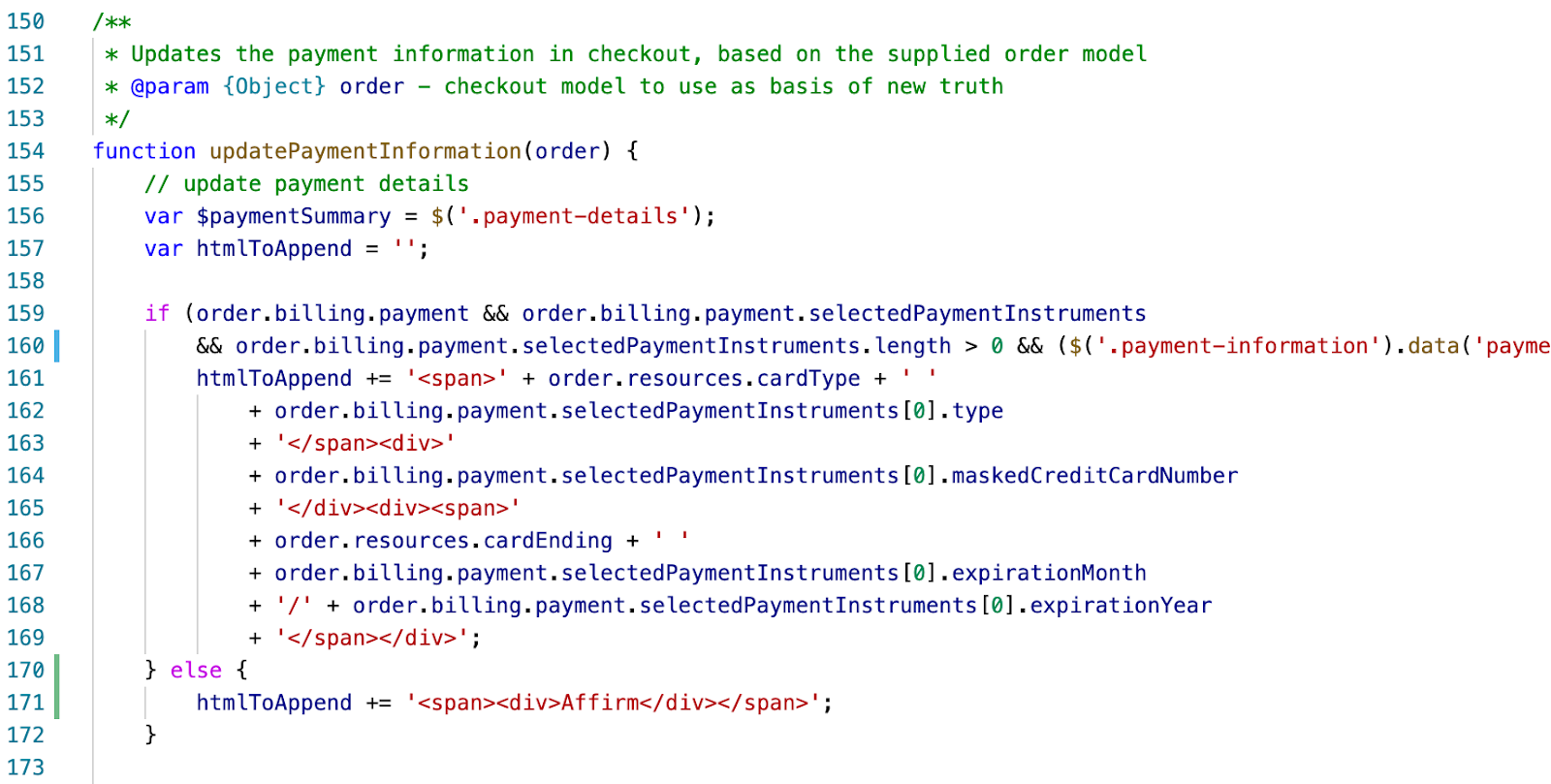
Step 1: cartridge/client/default/js/checkout/billing.js
In the updatePaymentInformation function, replace the if statement with the following:
if (order.billing.payment && order.billing.payment.selectedPaymentInstruments
       && order.billing.payment.selectedPaymentInstruments.length > 0 && ($('.payment-information').data('payment-method-id') === 'CREDIT_CARD')) {
       htmlToAppend += '<span>' + order.resources.cardType + ' '
           + order.billing.payment.selectedPaymentInstruments[0].type
           + '</span><div>'
           + order.billing.payment.selectedPaymentInstruments[0].maskedCreditCardNumber
           + '</div><div><span>'
           + order.resources.cardEnding + ' '
           + order.billing.payment.selectedPaymentInstruments[0].expirationMonth
           + '/' + order.billing.payment.selectedPaymentInstruments[0].expirationYear
           + '</span></div>';
   } else {
       htmlToAppend += '<span><div>Affirm</div></span>';
   }
ImportantVerify that the
billing.jsincludes force clearing security code and credit card number inside theupdateBillingAddressFormValuesfunction, which SFRA should include by default.

Step 2: cartridge/client/default/js/checkout/checkout.js
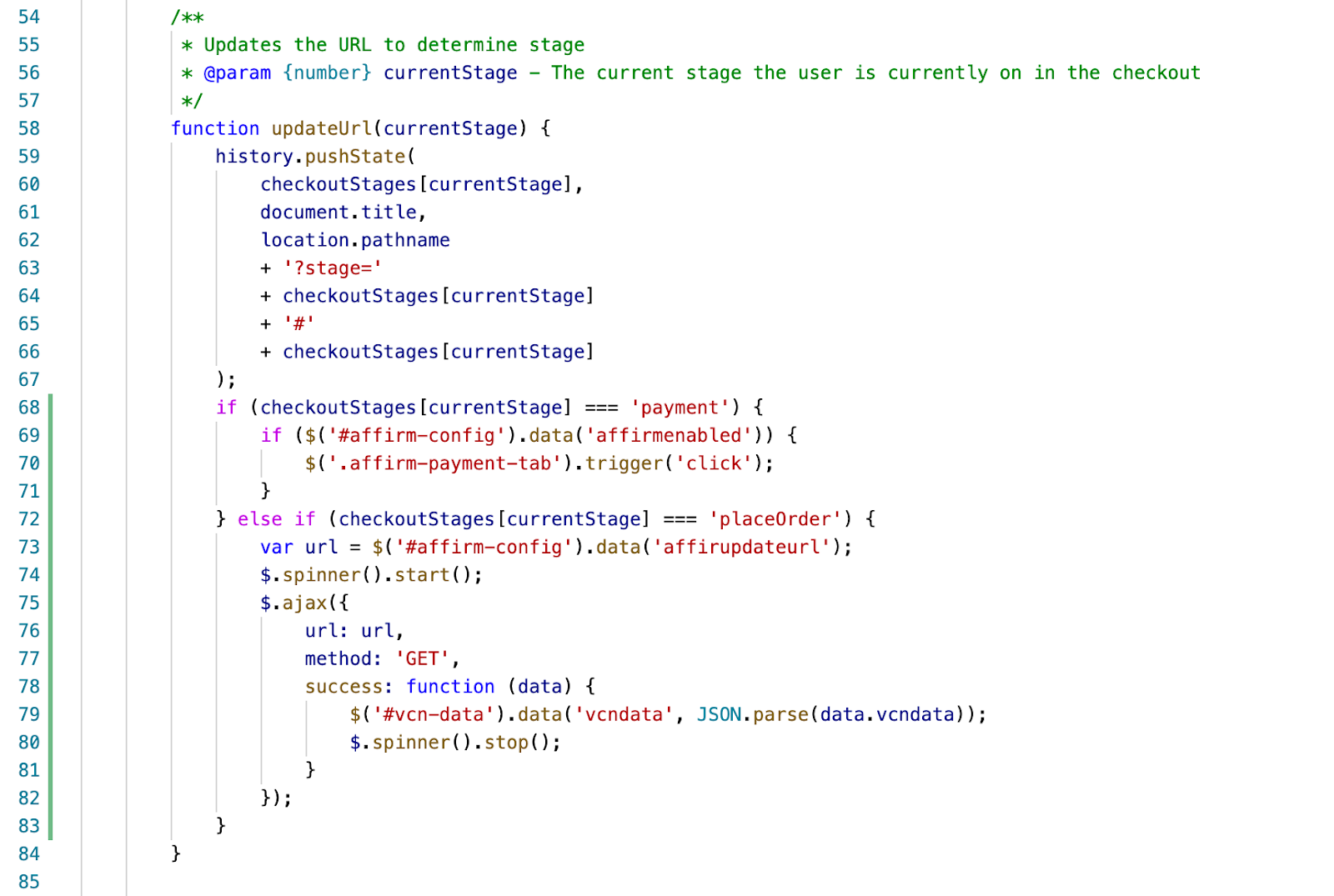
Add an if statement based on the checkout stage inside the updateUrl function.
if (checkoutStages[currentStage] === 'payment') {
	if ($('#affirm-config').data('affirmenabled')) {
		$('.affirm-payment-tab').trigger('click');
	}
} else if (checkoutStages[currentStage] === 'placeOrder') {
	var url = $('#affirm-config').data('affirupdateurl');
	$.spinner().start();
	$.ajax({
		url: url,
		method: 'GET',
		success: function (data) {
			$('#vcn-data').data('vcndata', JSON.parse(data.vcndata));
			$.spinner().stop();
		}
	});
}
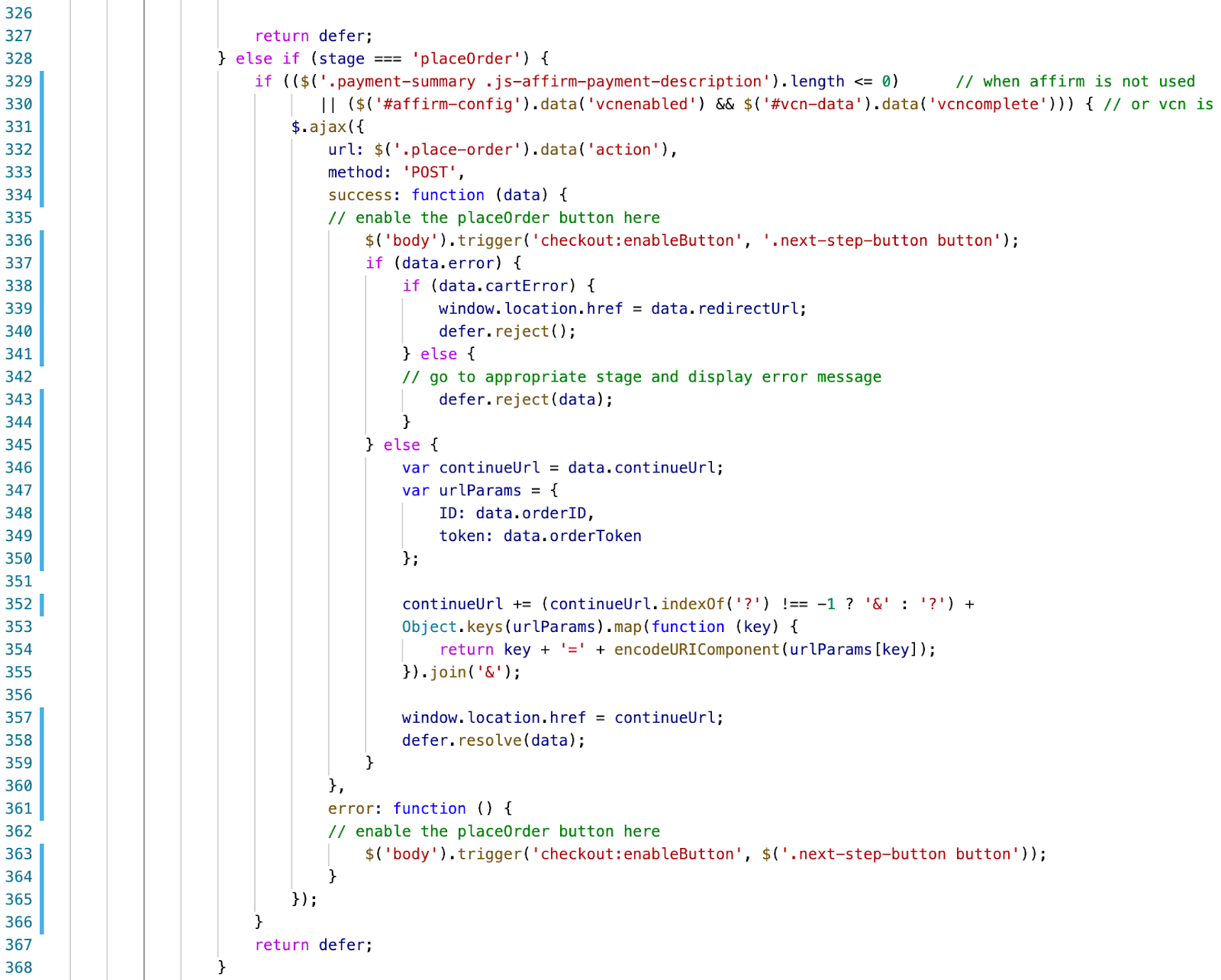
Modify the block executed when stage is placeOrder:
else if (stage === 'placeOrder') {
	if (($('.payment-summary .js-affirm-payment-description').length <= 0)    // when affirm is not used
		|| ($('#affirm-config').data('vcnenabled') && $('#vcn-data').data('vcncomplete'))) {  // or vcn is enabled but complete
		$.ajax({
			url: $('.place-order').data('action'),
			method: 'POST',
			success: function (data) {
			// enable the placeOrder button here
				$('body').trigger('checkout:enableButton', '.next-step-button button');
				if (data.error) {
					if (data.cartError) {
						window.location.href = data.redirectUrl;
						defer.reject();
					} else {
						// go to appropriate stage and display error message
						defer.reject(data);
					}
				} else {
					var continueUrl = data.continueUrl;
					var urlParams = {
						ID: data.orderID,
						token: data.orderToken
					};

					continueUrl += (continueUrl.indexOf('?') !== -1 ? '&' : '?') +
					Object.keys(urlParams).map(function (key) {
						return key + '=' + encodeURIComponent(urlParams[key]);
					}).join('&');

					window.location.href = continueUrl;
					defer.resolve(data);
				}
			},
			error: function () {
			// enable the placeOrder button here
				$('body').trigger('checkout:enableButton', $('.next-step-button button'));
			}
		});
	}
	return defer;
}
Step 3: js/cart/cart.js
Add recalculation for the Affirm Modal Promo price on re-rendering of order totals:
var totalCalculated = data.totals.grandTotal.substr(1).replace(/,/g, '');
$('.affirm-as-low-as').attr('data-amount', (totalCalculated * 100).toFixed());
var isWithinAffirmLimit = (parseFloat(totalCalculated) >= parseFloat(affirmLimits.min) && parseFloat(totalCalculated) <= parseFloat(affirmLimits.max))
if (isWithinAffirmLimit) {
	$('#js-affirm-checkout-now').show();
} else {
	$('#js-affirm-checkout-now').hide();
  $('.affirm-as-low-as').attr('data-amount', NaN);
}
affirm.ui.refresh();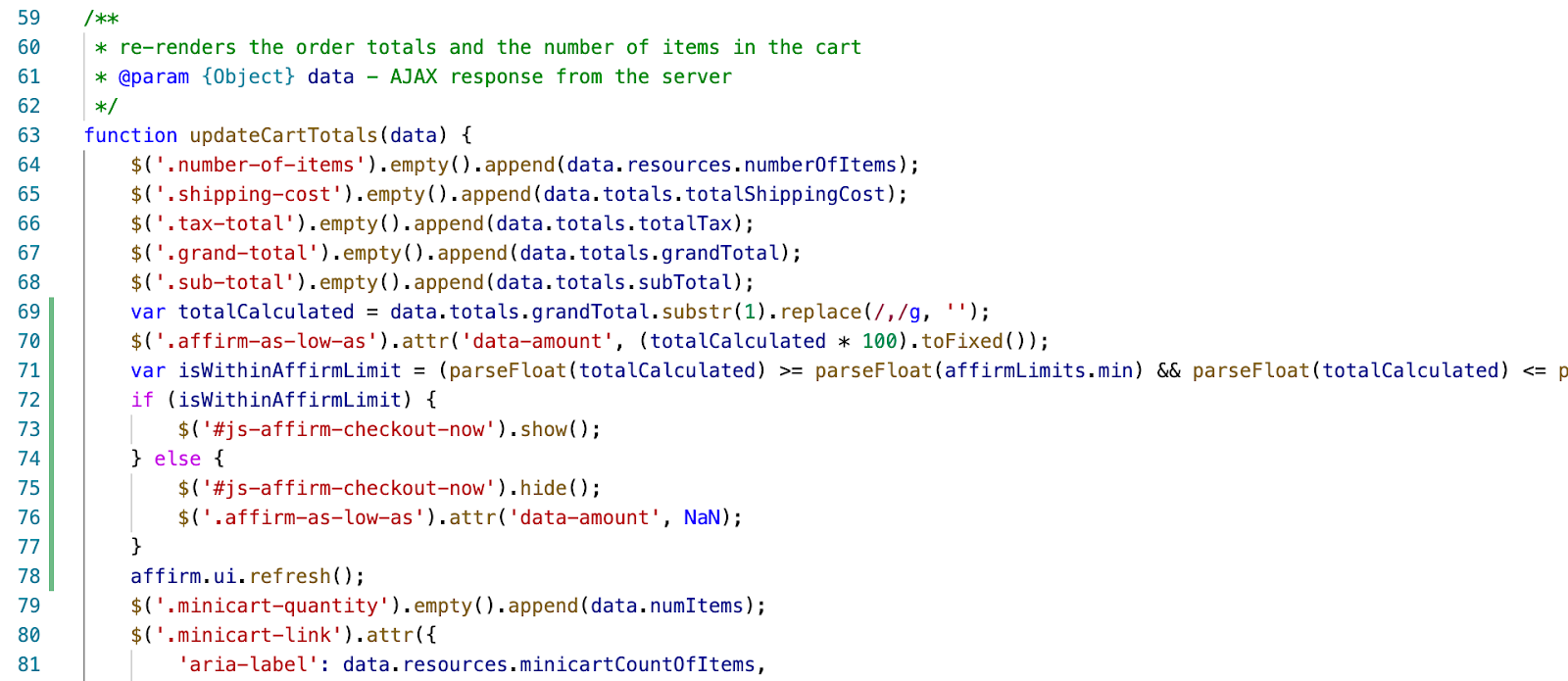
Step 4: js/search/search.js
Update the showMore method to include affirm.ui.refresh as a success callback:
showMore: function () {
  // Show more products
  $('.container').on('click', '.show-more button', function (e) {
      e.stopPropagation();
      var showMoreUrl = $(this).data('url');

      e.preventDefault();

      $.spinner().start();
      $(this).trigger('search:showMore', e);
      $.ajax({
          url: showMoreUrl,
          data: { selectedUrl: showMoreUrl },
          method: 'GET',
          success: function (response) {
              $('.grid-footer').replaceWith(response);
              updateSortOptions(response);
              affirm.ui.refresh()
              $.spinner().stop();
          },
          error: function () {
              $.spinner().stop();
          }
      });
  });
},Ensure to rebuild client JS after making modifications.
Updated 7 months ago