
UATP
Learn about Affirm's partnership with UATP and how you can offer Affirm's flexible payment options through UATP.
Country Availability
 USA
USA
 Canada
Overview
Offer Affirm’s flexible payments to meet traveler preferences and drive more bookings. UATP (Universal Air Travel Plan) is a global payment network uniquely focused on the travel industry. Known for simplifying payment processing for airlines and other travel merchants, UATP has partnered up with Affirm to offer more flexible payment options.

We're here to make financing child's play for you and your customers! With Affirm, your customers can easily pay-over-time for their purchases. We'll provide you with all the necessary tools to set up your business to display monthly payment options, offer prequalification and add Affirm at checkout. Let's make financing easy together!
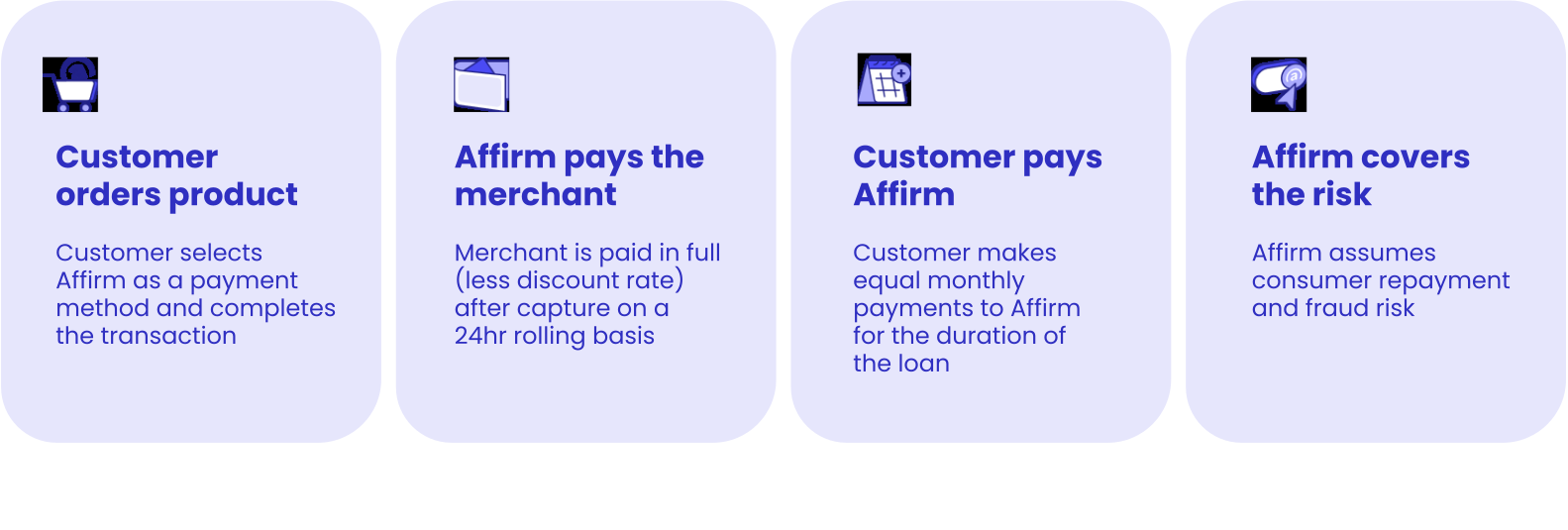
The Customer Experience
With UATP's Ceptor®, you can easily offer Affirm as a payment option without modifying your existing back-end systems. Here’s a walkthrough of the customer flow:
-
Select Affirm at Checkout: The customer chooses Affirm as their payment method on your checkout page.

-
Affirm Widget: The Affirm widget opens, where the customer provides their information and selects a payment plan.

-
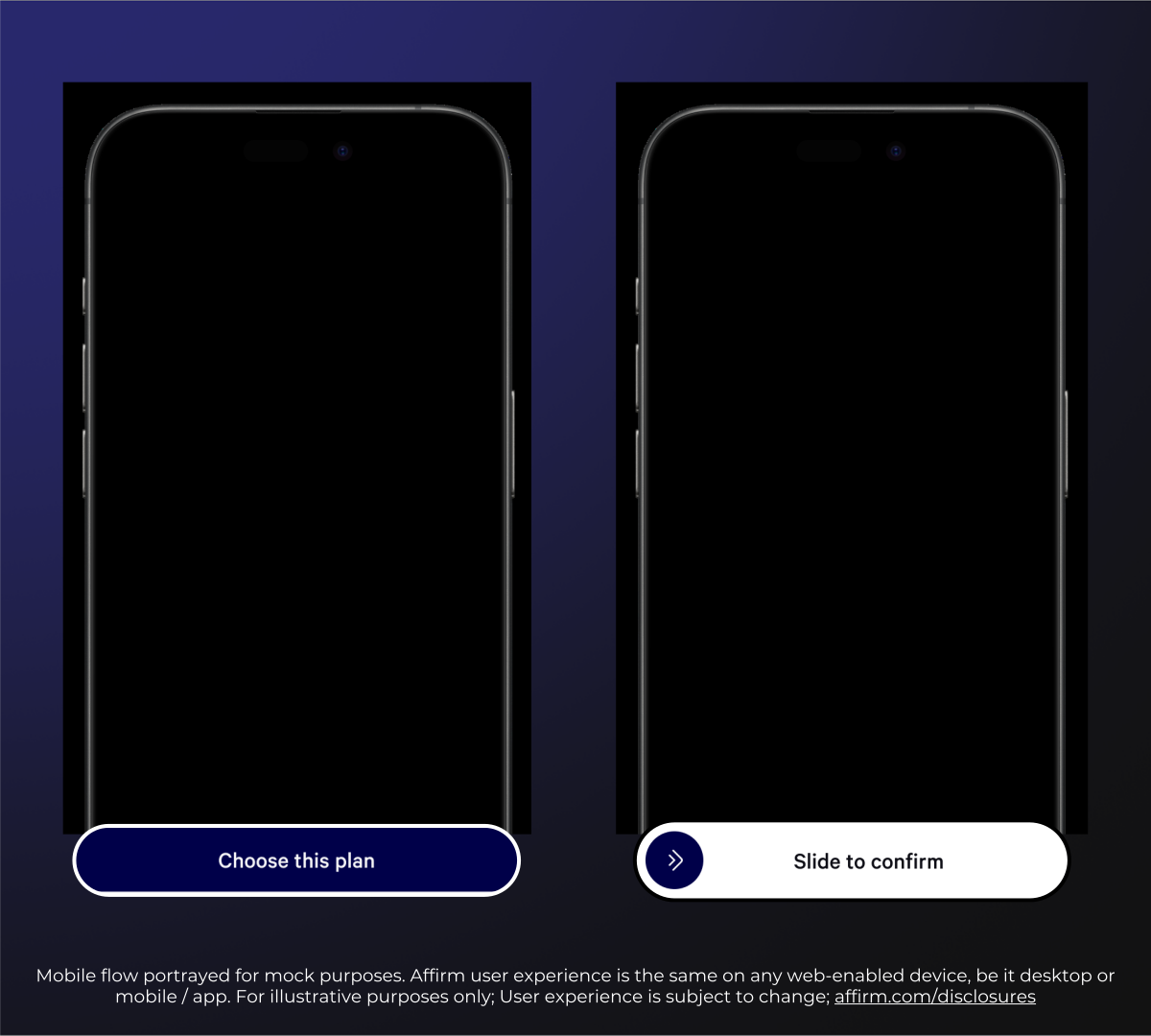
Loan Execution: The customer reviews and executes the loan directly within the Affirm interface.
-
Order Approved: Once the customer approves the transaction, Affirm sends an approval notification back through UATP Ceptor.
-
Confirmation: The merchant receives a UATP Token to complete the booking, and the customer is redirected to your confirmation page.

The Merchant Experience
UATP Ceptor® acts as a translation and orchestration layer that enables you to offer Affirm as a payment option, preserving your current financial controls while expanding payment flexibility for your customers.
Transaction Workflow
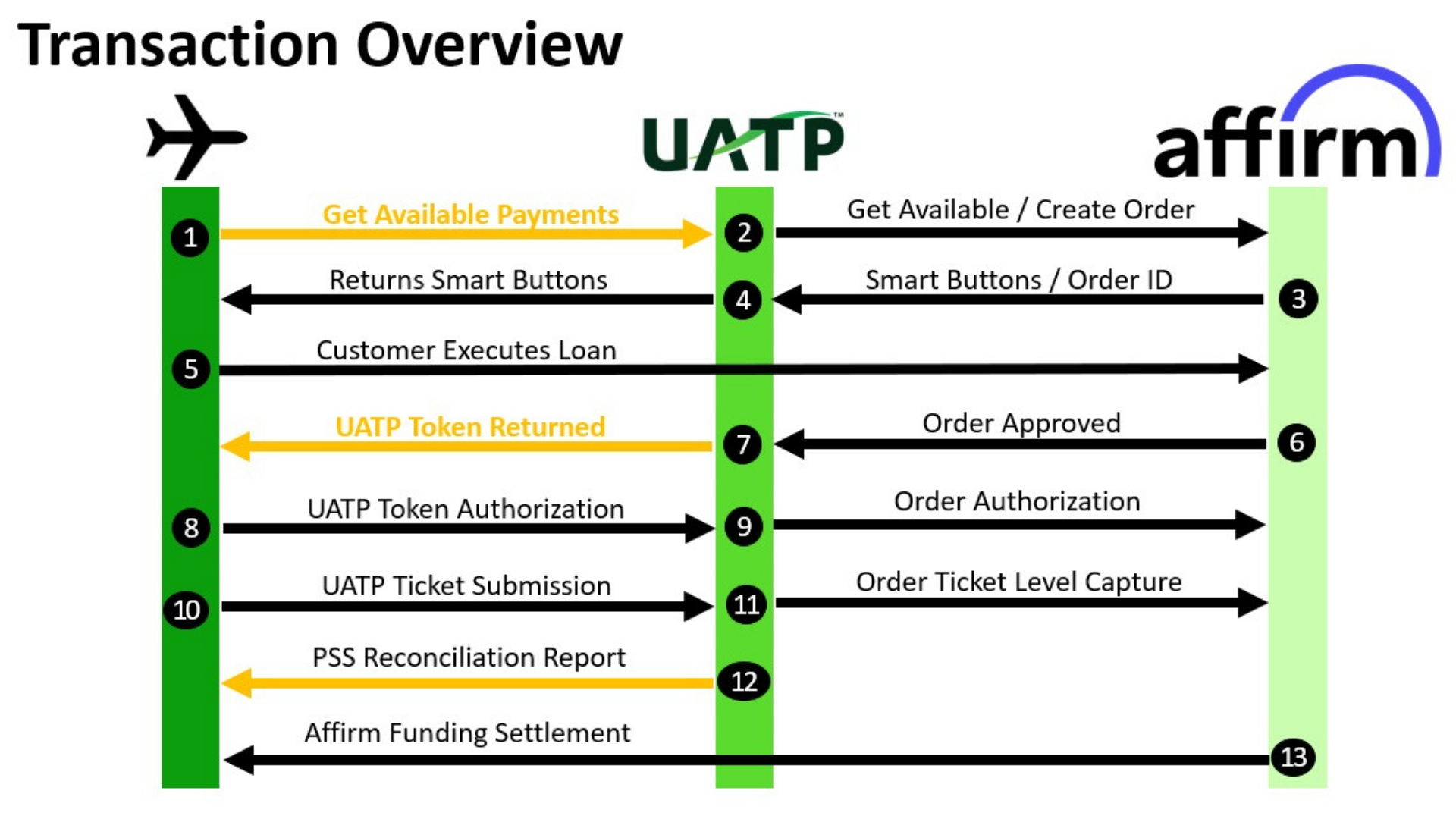
The following steps outline the technical interaction between your airline's front-end, UATP Ceptor, and Affirm:
- Payment Initialization: When a customer checks out, your checkout page pulls the UATP Ceptor JS library to identify available forms of payment. Ceptor communicates with Affirm to display the applicable checkout button.
- Loan Processing: When the customer pays with Affirm using the Affirm widget, Affirm notifies Ceptor that the order is approved.
- Tokenization and Authorization: Ceptor converts the Affirm approval into a UATP Token (Third Party Token), which is returned to the airline.
- Token Format: The token includes a 15-digit number and expiration details.
- Authorization: The airline authorizes this token through the standard UATP/TNS gateway.
The Authorization step is critical to prevent transactions from being voided as abandoned.
- Fulfillment and Settlement: Your back-end processes the transaction exactly as it does for a standard UATP card.
- Ticket Submission: The airline submits ticket details to ATCAN for settlement.
- Capture: Ceptor uses the ticket details to compile the Affirm Capture.
- Funding: Affirm funds the airline directly.
- Reconciliation: Ceptor produces a Partner Settlement Service (PSS) report. The report is a daily summary report that aligns your sales and refund activity with Affirm settlement data, highlighting any anomalies or mismatches.
Integration Steps
You can activate Affirm through a single, seamless connection to UATP's Ceptor®. Ceptor® simplifies operations, enabling smooth collaboration between airlines and Affirm without the need to change your existing processes or systems.
- Create Merchant Account: The Affirm and UATP teams create your merchant account in their respective systems.
- Add Promotional Messaging: You set up on-site promotional messaging using Affirm's JavaScript library.
- Complete Integration: You add Affirm to your checkout page via Ceptor®.
- Process Payment: Affirm and UATP process payments on your behalf.
Contact your UATP representative to get started with Affirm.
Updated 10 months ago